Insights / Articles
Beyond LinkedIn Sales Navigator: Finding the 'Invisible' 30% of the B2B Market
Tired of missing 30% of the B2B market? Uncover niche market research tools and find companies with poor SEO that others overlook.

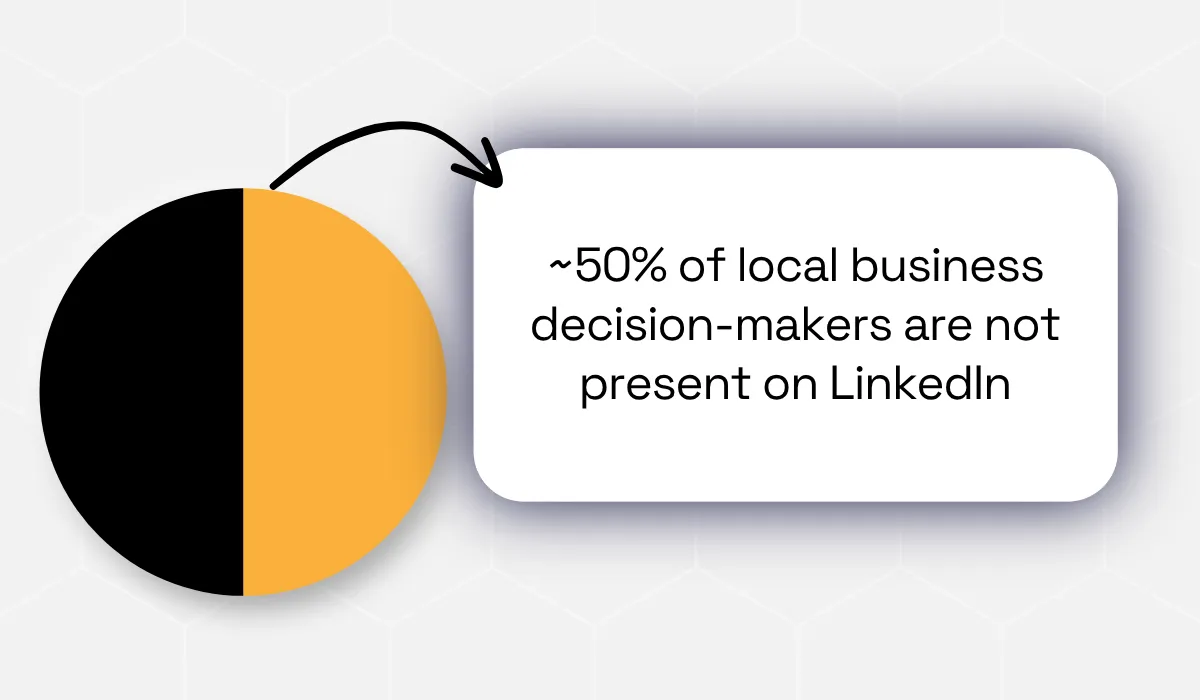
- Around 50% of local business owners aren't on LinkedIn.
- LinkedIn filters can overlook qualified companies and decision-makers.
- Combine multiple data sources for broader B2B prospect discovery.
With more than 1.5 million users, LinkedIn Sales Navigator has become one of the most widely used B2B prospecting tools.
That's a huge network, no doubt.
But does that mean you're seeing every business that matches your ideal customer profile?
Not really.
Many local and small businesses don't have a presence on LinkedIn.
In this blog, we'll look at the reasons behind why and how you can find businesses that exist beyond LinkedIn.
Why Sales Navigator Only Sees Half the Picture
LinkedIn Sales Navigator’s popularity doesn't always mean complete coverage.
Behind its powerful search experience are a few limitations that every sales team should understand before building their outreach strategy:
The Database Only Reflects Who's Active on LinkedIn
Think about the neighborhood restaurant where you had dinner yesterday or the plumbing company that fixed your leaking pipe last month.
Now ask yourself one question.
How many of those business owners are active on LinkedIn?
Probably not many.
That’s one of the biggest blind spots in LinkedIn Sales Navigator.
The platform can only search what already exists on LinkedIn.
So, if a company, founder, or decision-maker is missing from the platform, Sales Navigator has nothing to show you.
Research suggests that roughly half of local business decision-makers don't have a LinkedIn presence at all.
And when you think about it, it makes sense:
- A plumbing contractor is usually on site.
- The owner of a small medical clinic may rely entirely on referrals instead of social media.
- A family-owned restaurant may depend on local foot traffic, reviews, and word of mouth instead of LinkedIn.
These businesses and their survival are not reliant on building professional networks online.
So, if your ideal customer falls in any such categories (HVAC, plumbing, or even family businesses), where will Sales Navigator find them?
It often can't.
The challenge becomes even greater in industries that have historically had lower adoption of LinkedIn.
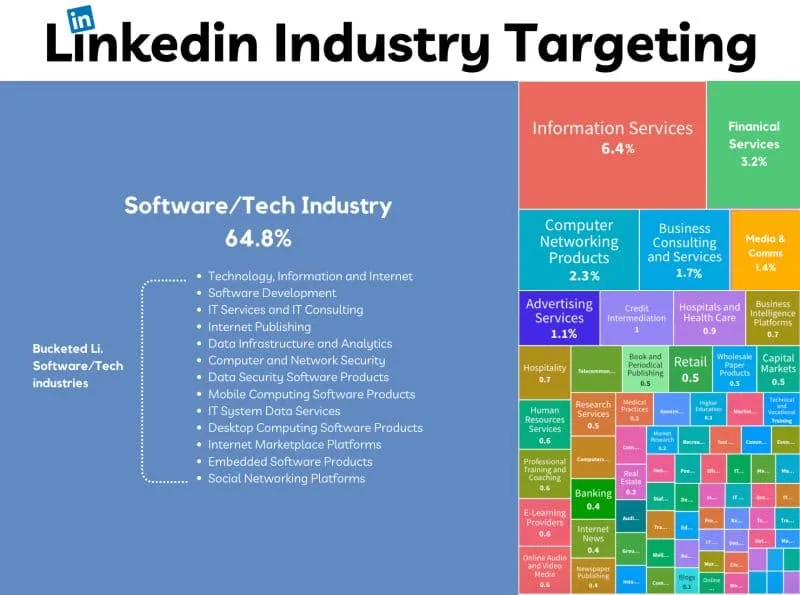
You'll notice this clearly in the illustration below.
Source: Factor.ai
Technology and software companies have a much stronger presence on LinkedIn than industries such as manufacturing or local services.
If you're targeting any underrepresented sectors, search results may look complete even when they are missing a large portion of the market.
For instance, imagine you're building a prospect list for industrial equipment manufacturers.
You apply all the right filters, review every result, and feel confident you've identified the entire market. But have you?
Or have you simply found the companies that chose to maintain an active LinkedIn presence?
Those are two very different things.
Remember: Sales Navigator's database is built entirely from LinkedIn profiles.
If a company page is incomplete or if the key decision-maker never created a profile in the first place, that business becomes almost invisible inside the platform.
As a result, your search isn't necessarily showing the best companies.
It's showing the companies with the strongest LinkedIn presence.
Those are not always the same thing.
That is why Sales Navigator works extremely well for industries where professionals actively use LinkedIn every day.
But the moment your ideal customers include local businesses, independent operators, or traditional manufacturers, the picture starts becoming incomplete.
Self-Reported Fields Are Often Wrong or Outdated
Let's say you've finally found companies on LinkedIn.
Now comes another question.
Can you trust the information you're filtering on? Not always.
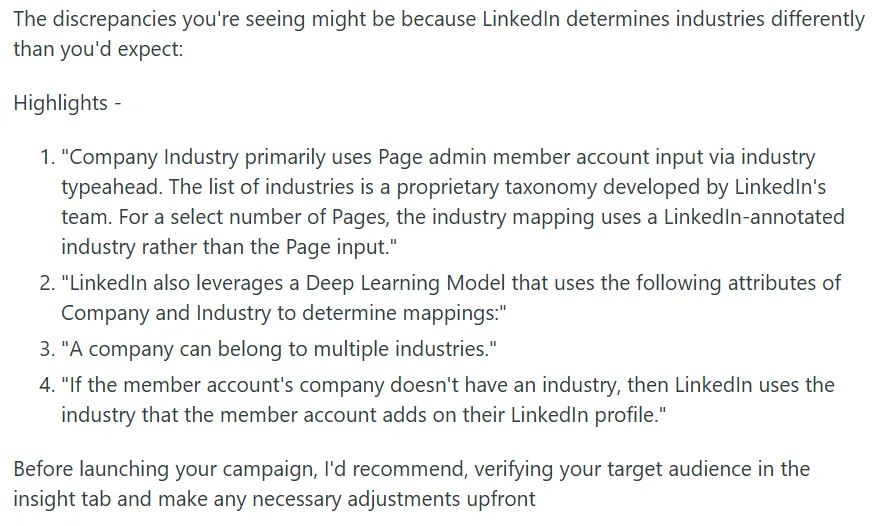
LinkedIn company classification depends on manual selection by the page admin and several other factors.
On a Reddit post highlighting discrepancies in company classification during an ad campaign, a user made an apt observation:
Source: Reddit
Now, some businesses fit neatly into one category.
Many don't.
A company that develops software for hospitals could describe itself as healthcare, software, or information technology. Another business may manufacture products but also sell directly to consumers.
Which industry should they choose?
There isn't always one correct answer.
LinkedIn currently offers 24 main industry categories and 148 subcategories for company pages.
While that sounds comprehensive, businesses still have to manually choose the option they feel fits best.
That creates inconsistencies across the platform.
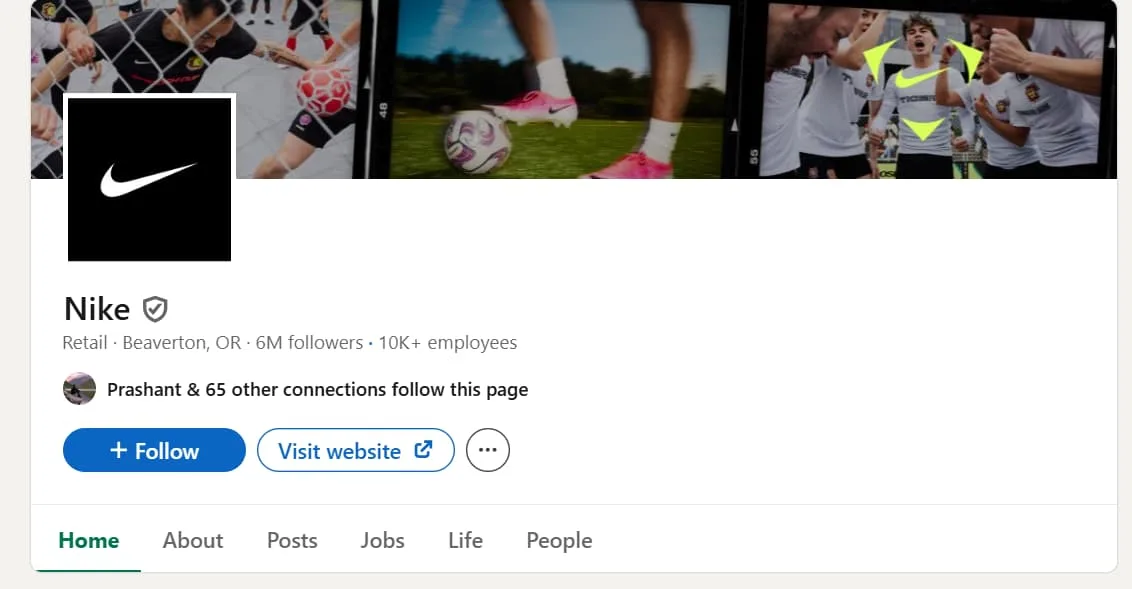
Take the case of Nike, a global sportswear company, which is currently classified under Retail.
Source: LinkedIn
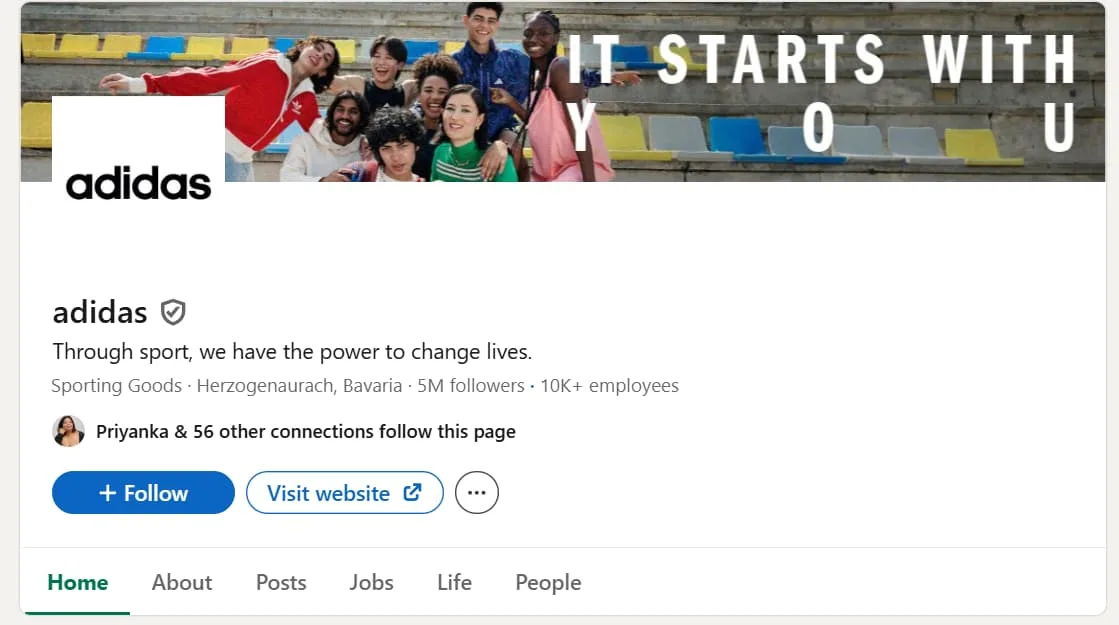
Its most well-known competitor, Adidas, appears under Sporting Goods.
Source: LinkedIn
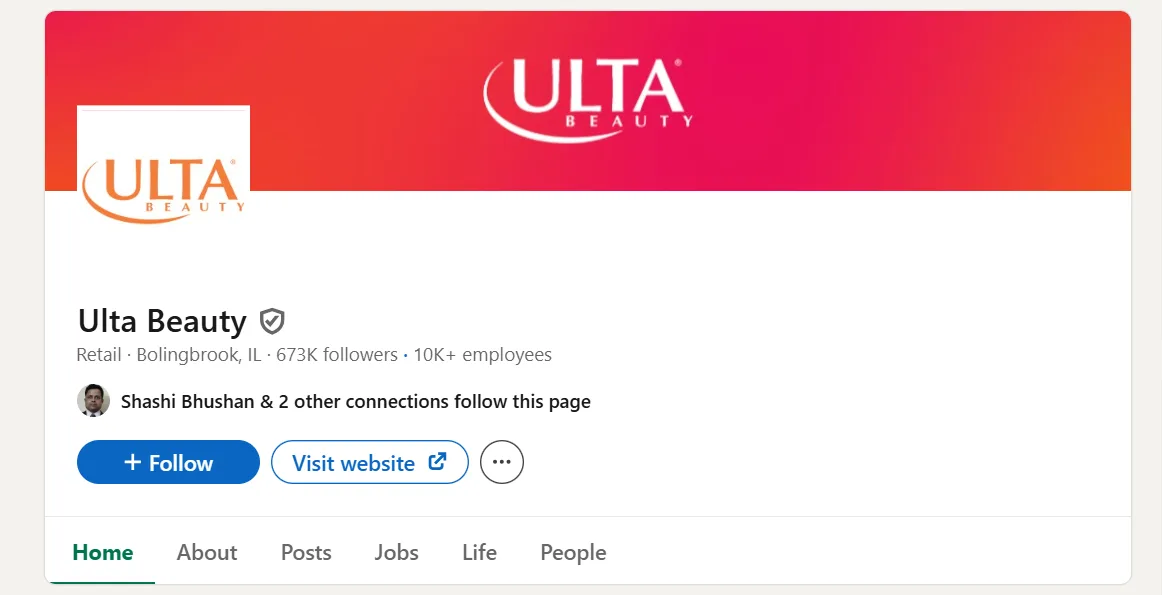
Now, here’s the interesting part: Ulta Beauty, a beauty products and cosmetics retailer, is also listed under Retail.
Source: LinkedIn
The bigger question is: when broad categories like Retail apply to very different businesses, how much precision can you really expect?
And, if you're searching only for companies in the Sporting Goods category, would Nike appear?
Likely not.
So, even though Nike and Adidas compete in the same market, they sit under different industry classifications per LinkedIn’s taxonomy.
The same issue appears in many other industries.
Chris Cozzolino, Co-Founder and CEO of Uptown.com, describes his frustration in a LinkedIn post by pointing toward a similar example.
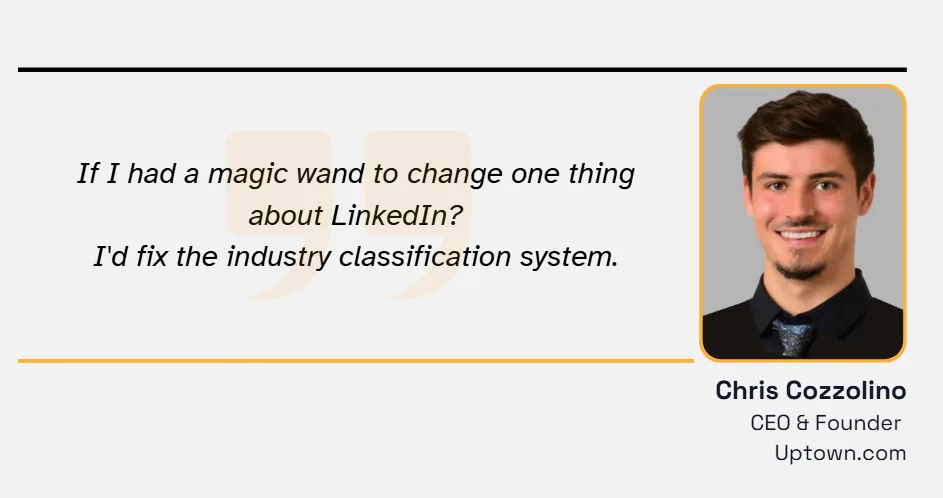
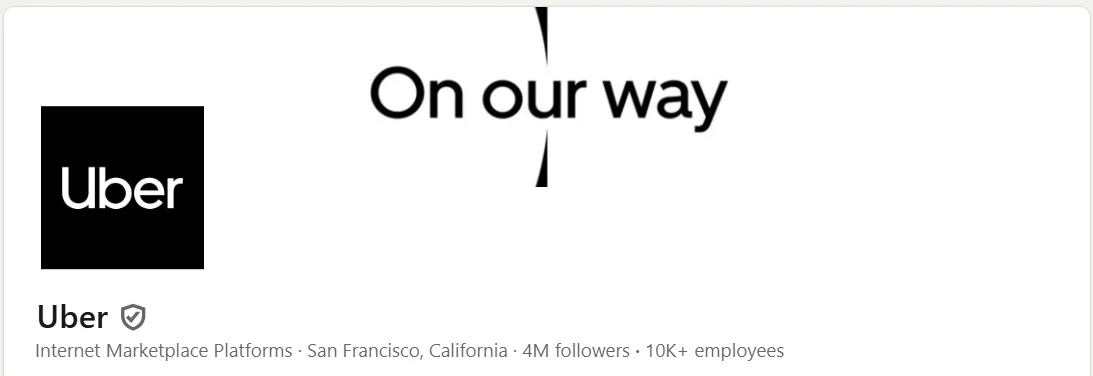
He states that Uber, the ride-hailing platform, is classified as an Internet Marketplace Platform.
Source: LinkedIn
On the other hand, Lyft, an Uber competitor, is classified as Ground Passenger Transportation.
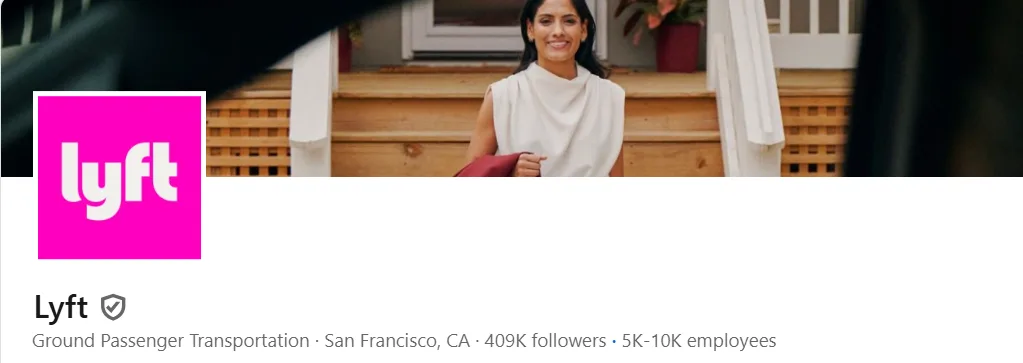
Source: LinkedIn
Both companies solve almost the same problem, and yet they appear under different industries.
Now think about your own prospecting.
If your Sales Navigator search only includes one of those industries, you're automatically excluding businesses that probably belong in your target list.
And you wouldn't even know it happened. That's the real problem.
Filters give the impression of precision, but the quality of those filters depends entirely on the quality of the data behind them.
If the underlying classification is subjective, your search results become subjective too.
Before you trust every industry filter inside Sales Navigator, it's worth asking one simple question.
Is this filter describing the market or just how someone chose to describe their own company?
That difference can decide whether your prospect list is complete or missing some of your best opportunities.
Search Caps Limit How Much of the Graph You Can Even See
Let's say Sales Navigator tells you there are 10,000 matching prospects.
Sounds great, but here's the catch: you won't be able to see all 10,000. Sales Navigator only displays the first 2,500 people in a people search.
And for company searches, the limit is 1,650 companies.
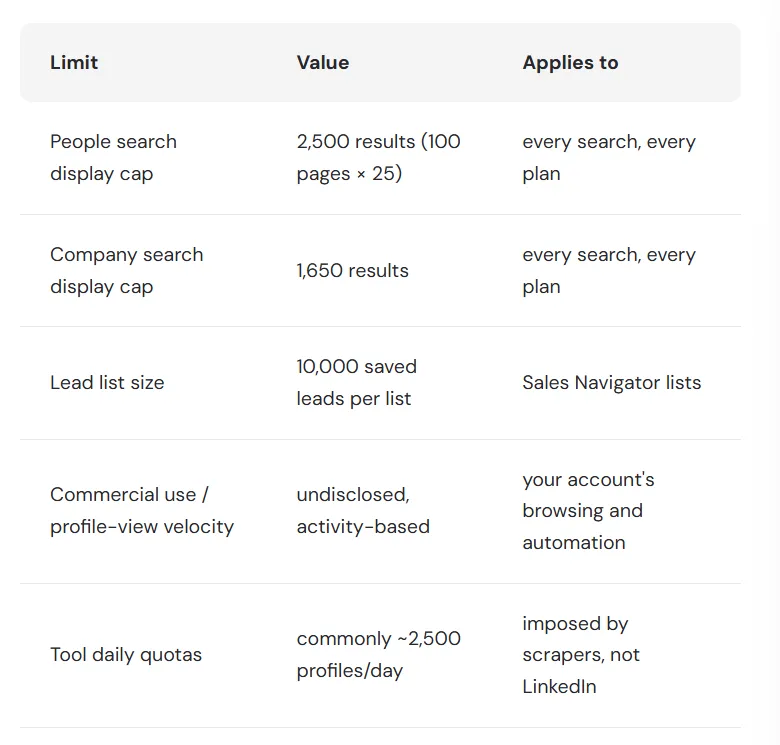
Source: Wizleads
Everything beyond that stays hidden.
And no, this isn't based on your subscription or daily limit. It's a limit on every single search you run.
So if 10,000 companies match your requirement, Sales Navigator will only show the first 1,650. The remaining 8,350 are still there, but you can't access them through that search.
So, what do most teams do next?
They split the search into smaller pieces or add filters like state or company size.
It sounds like a reasonable workaround, but it creates new problems.
The same company can appear in multiple searches, leading to duplicate records. At the same time, some prospects don't fit neatly within your filters and are completely missed.
Now you're spending hours building, exporting, and cleaning multiple lists.
In a LinkedIn post, Ryan Kim—founder of AI workflow platform Flowgami—called out this exact issue. Johnny Nel responded with a sharp observation: self-reported data adds another layer of confusion.
Companies often pick the wrong industry label, either by accident or because the options are too vague. That means even when you filter carefully, your list can still be off.
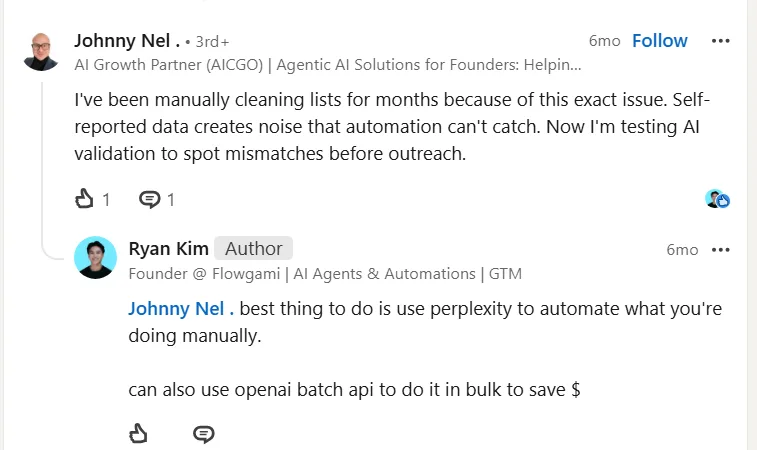
Source: LinkedIn
And there's another issue.
Because this process takes so much time, many teams don't repeat it often.
They refresh their prospect lists every few months and continue working with old data. Meanwhile, business data keeps changing.
Contacts leave companies, people change roles, and new businesses appear.
Research shows that B2B contact data decays by around 30% every year.
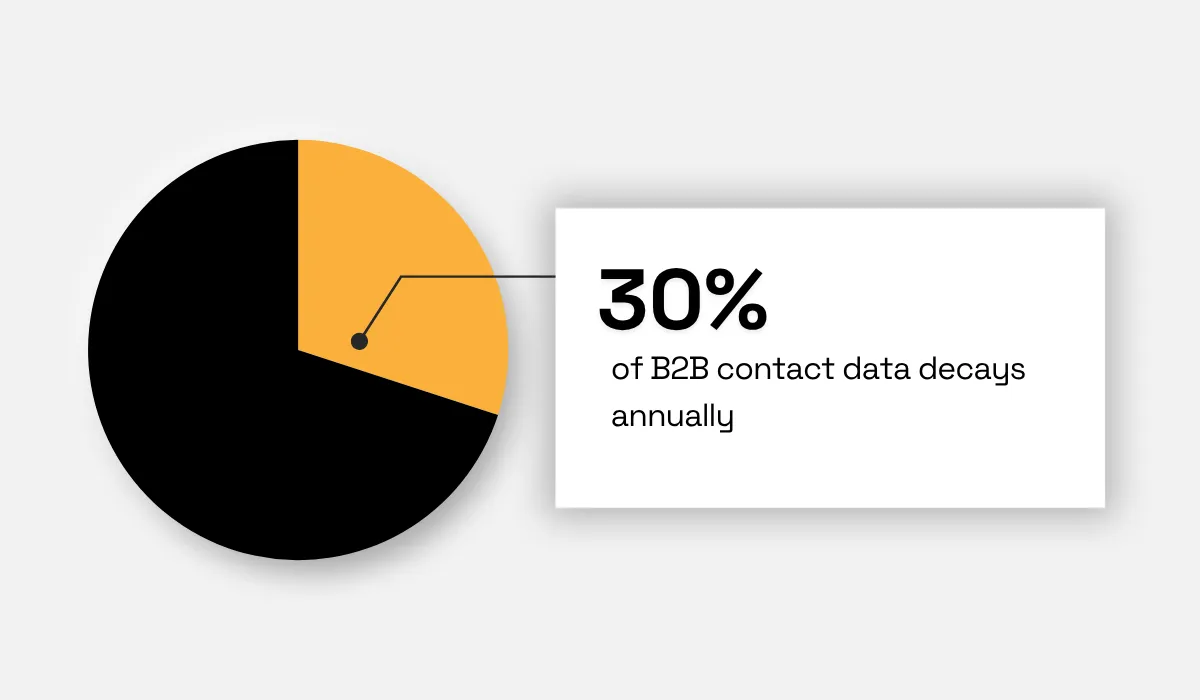
Illustration: Veridion / Data: Markets&Markets
So yes, Sales Navigator is powerful.
But if your market is much larger than its display limit, you're not seeing the full picture.
You're only seeing the part of the graph that LinkedIn chooses to show.
Finding the Invisible 30% Beyond the LinkedIn Graph
If a business isn't active on LinkedIn, that doesn't mean it isn't active in the real world.
Looking beyond the LinkedIn graph can help you discover your ideal company matches, even if they rarely post or maintain a professional profile.
Read the Open Web, Not Just Profiles
For many local businesses, LinkedIn simply isn't where customers come from.
A restaurant owner is more likely to focus on Google Business Profile, Instagram, Facebook, or food delivery platforms because that's where people discover places to eat.
One Reddit user emphasizes this on the subject of restaurant owners’ presence on LinkedIn.

Source: Reddit
A resort owner will spend time improving their website, adding new room photos, publishing seasonal offers, and making online bookings easier.
Those activities directly bring in customers; LinkedIn may not.
That's why relying only on LinkedIn can leave many businesses out of your search.
An alternative approach is to read the company's website and other publicly available web content, social media included.
If a business has a website, publishes updates, lists its services, or shares information on social media, it can still be discovered even if it has never built a proper LinkedIn page.
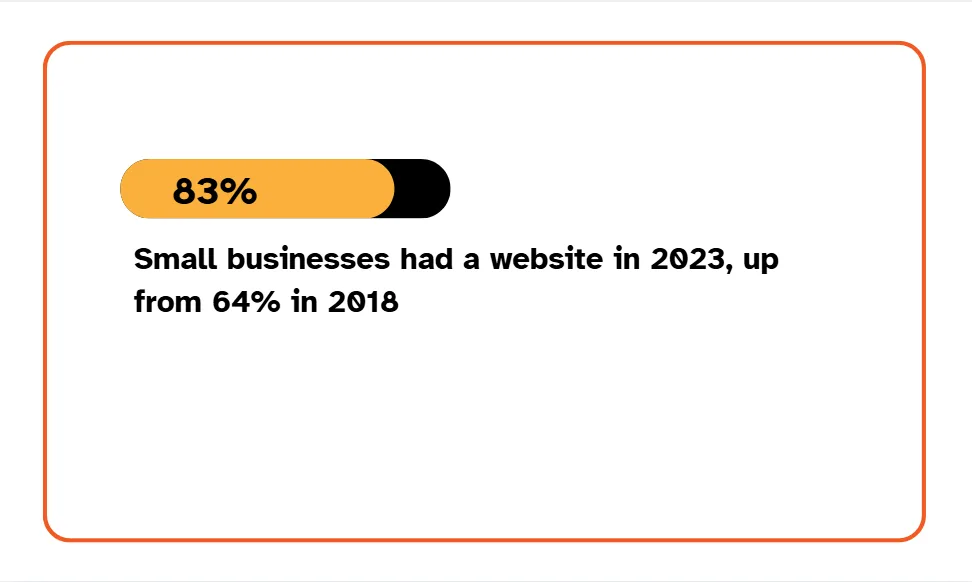
Luckily, as shown in research by business services firm Clutch, around 83% of small businesses have a website, compared to 64% in 2018, thanks to the rise of AI and no-code websites.
That’s a good sign.
Why?
Websites can help uncover businesses that LinkedIn may not capture.
In essence, looking only at LinkedIn means seeing only part of the market; the real business pool may extend well beyond LinkedIn.
Match Activity Descriptions, Not Self-Reported Categories
Many prospecting tools depend heavily on LinkedIn’s industry classification. But these categories do not always tell the full story.
They are self-reported, may have been selected years ago, and can be broad enough to cover businesses with very different activities.
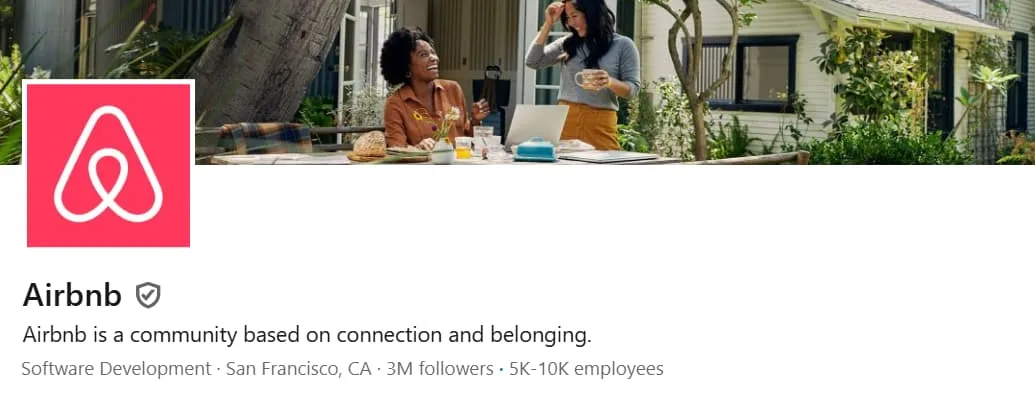
Take Airbnb. Its LinkedIn industry classification is Software Development, but its website clearly positions the company as focused on travel, stays, and experiences.
Source: LinkedIn
Looking only at the LinkedIn data, prospecting tools could treat Airbnb as a software company rather than a business operating in the travel and hospitality market.
This does not necessarily mean the LinkedIn category is wrong. It simply captures one part of what Airbnb does.
The problem starts when prospecting tools treat that label as the complete picture.
A better approach is to compare the category with what the company actually says and does.
Its website, product pages, services, descriptions, and other public information can provide much stronger signals about its current activity.
Companies also have a practical reason to keep this information updated. Their websites need to explain what they offer to customers, partners, and prospects. That makes the language used across these pages a useful source for understanding the business today.
So instead of asking only, 'What industry does LinkedIn say this company belongs to?', prospecting systems should ask, 'What does this company actually do?'
Matching businesses based on their current activity and the language they use to describe it can produce a more accurate prospect list than relying on a single self-reported category.
Cover the Companies With Minimal Digital Footprint
Whether a business is active cannot be determined by just LinkedIn.
In some cases, a company's online footprint is limited to a business directory, a registration record, or a map listing.
That doesn't mean the business isn't operating.
This is why the best prospecting strategies don't rely on one source alone.
They combine websites, public business records, directories, location data, and other trusted signals to build a more complete picture of a company.
Veridion is designed to go beyond the businesses that are easiest to find online.
It continuously builds and validates company profiles using information from primary public sources, then connects those signals into a single view of each business.
Its intelligence includes:
- Business activity
- Products and services
- Location details
- Industry classifications
- Contact information
- Digital presence

Source: Veridion
Veridion’s methodology is simple.
Instead of relying on a single source, it brings together data from multiple primary public sources to create a more complete picture of companies, including the long tail that many traditional databases often miss.
Conclusion
LinkedIn Sales Navigator remains one of the best tools for finding professional networks.
But no single platform reflects the entire B2B market.
Looking beyond LinkedIn and combining multiple data sources helps you discover businesses that would otherwise stay hidden.
That's how you build prospect lists based on the real market, not just the visible one.
Articles
Discuss how these trends affect your organization.
Our analysts are available for a short call. Bring a specific question and we will ground it in the data.
Insights
Keep reading
More analysis, research, and outcomes grounded in live company intelligence.
How to Gather Market Intelligence In 5 Steps
In this guide, we're breaking down the five key steps you need to take to gather market intelligence that drives real action.
How Market Intelligence Drives Smarter Business Decisions
Want to improve your decision-making process? This guide will show you how to leverage market intelligence for business growth.
How to Build a Strong Market Intelligence Strategy
Learn how to build a strong market intelligence strategy that helps you track trends, understand competitors, and make smarter decisions.