Insights / Articles
How to Target Competitor Customers Using Technographic Data
Tired of losing customers to competitors? Uncover how technographic data analysis reveals their customer base, giving you the edge to win them over.

- 44% of software buyers are often ready to shift to another vendor's solution.
- Your best prospect usually isn't a company with no solution but the company with the wrong one.
- Poor timing and the wrong message often lead to a lost warm prospect.
- Technographic data combined with firmographic data tell you which prospect is worth your effort.
Most of your ideal customers already have a vendor. That's not bad news. It's a target list.
When you know exactly which competitor a prospect runs, you can time your outreach, tailor your message, and walk into the conversation already understanding their pain points.
That is exactly why technographic data matters. It shows you what a company runs now, where a competitor is entrenched, and where your team has a real shot at displacement.
Here's how to build a displacement pipeline end to end, from defining fit signals to booking meetings.
What Technographic Data Reveals About a Prospect
Technographic data shows you the exact technology a company runs today, not just what kind of company it is. It tells you a prospect's current software solutions, digital infrastructure, and technological workflows.
That matters because firmographic data on its own tells you whether a company fits your ideal customer profile. But it says nothing about what they've already bought.
Technographic data closes that gap. It covers the tools in a company's stack, from CRM and marketing automation to cloud infrastructure and security software, who supplies each of those tools, and roughly how much the company spends on them.
Combining the two types of data moves you from "does this company fit our market?" to "does this specific account have a reason to talk to us today?"
According to research done by Zylo, a Saas spend management company, the average mid-sized business (500–2,500 employees) operates about 305 applications across its tech stack. Applications constantly enter and exit these tech stacks regularly, with the average company adding 9 tools per month.
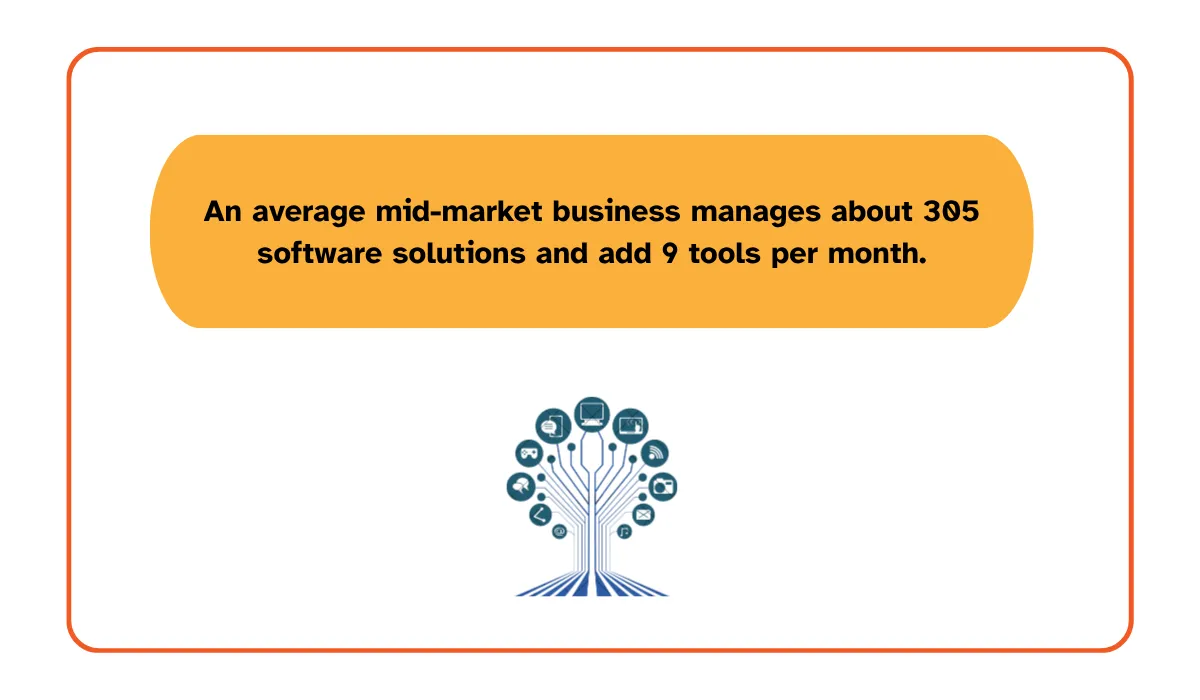
In other words, the average target account is already running a real stack, and often a complicated one. That complexity is why technographics are so useful for competitor targeting.
A company may look perfect by industry, size, and geography, but still be a poor target if it runs a stack your product does not integrate with, or if it just completed a migration last quarter.
The reverse is also true. A company that looks average on paper can become a prime target if it runs an incumbent tool that causes friction and you replace it well. This is the practical gap technographic data closes.
That said, how you collect technographic data matters because the method affects how fresh and accurate it is.
Website scanning detects the analytics scripts, chat widgets, and marketing tags visible in a page's code. It's reliable for front-end tools but blind to anything running behind the firewall.
Job postings hint at what a company plans to run, since a listing asking for "Marketo experience" signals the tool is likely already in place, but hiring lags actual adoption by months.
Self-reported data, gathered through forms or direct conversations, is the most accurate compared to websites and job postings but doesn't scale past a handful of accounts.
Reliable service providers integrate these signals into their data pipeline structure, verify the findings against confirmed company information, and refresh their profiles on a regular schedule rather than a single crawl.
Building the Displacement Target List
Competitive displacement is one of the highest-value uses of technographic data because most enterprise software purchases aren't first-time buys: they're replacements.
Research and advisory firm Gartner show in their "The State of Software Buying in 2026" report that 61% of software buyers were subject to disruptions in the last 18 months, and 44% plan to shift to another vendor's solution.
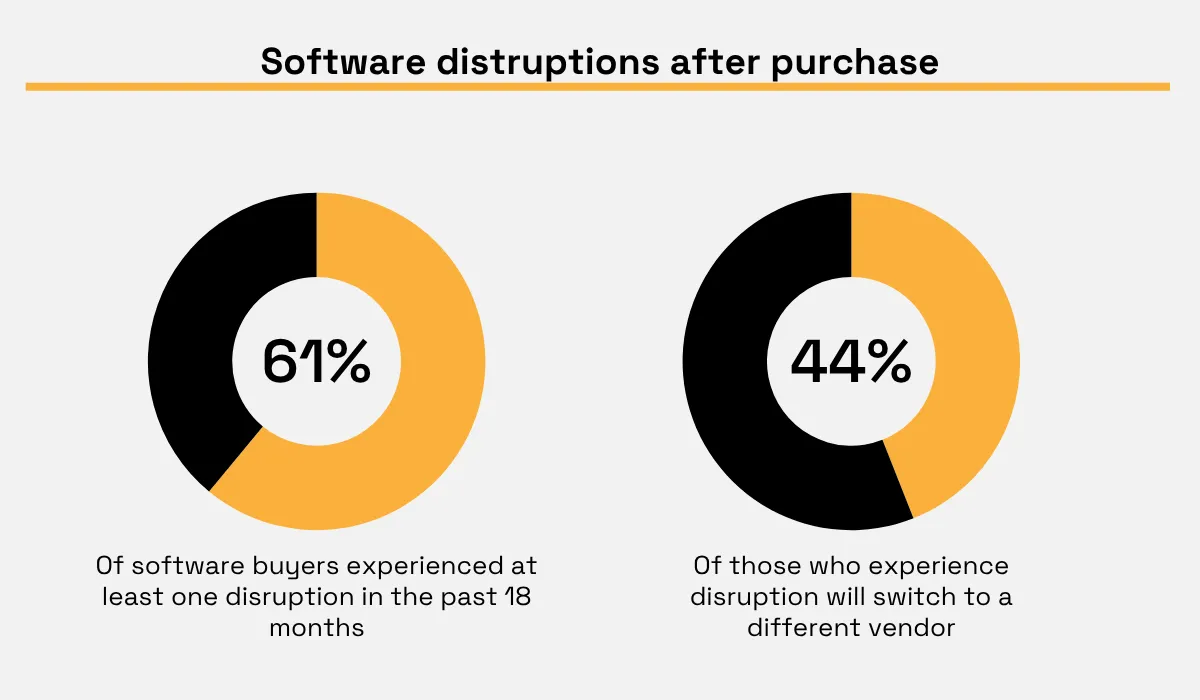
That means your best prospect usually isn't a company with no solution. It's a company with the wrong one. Dissatisfaction plus an existing stack creates the exact conditions where smart displacement campaigns work.
Building a target list around that reality takes three steps:
- Define what counts as a displacement opportunity.
- Build your account list.
- Filter your list against your addressable market.
Let's take a look at how to go about each step.
Define Your Displacement Criteria
Begin by specifying the exact technologies that give you a signal, not just a generic group. "Uses marketing software" is too vague to form a message or help sales filter the opportunities.
Instead, define displacement at the tool level. "Runs HubSpot Marketing Hub on the starter tier" tells your sales reps exactly who to call and what pitch to open with.
Specificity here does two things. It sharpens your targeting, and it gives sales a concrete reason to reach out instead of a vague hunch, helping you avoid wasting effort on the wrong type of account.
Robert Blaisdell, VP Analyst in the Gartner Sales Practice, observes that many B2B buyers often get overwhelmed and frustrated by irrelevant outreach from sellers and the seller's organization. He notes:
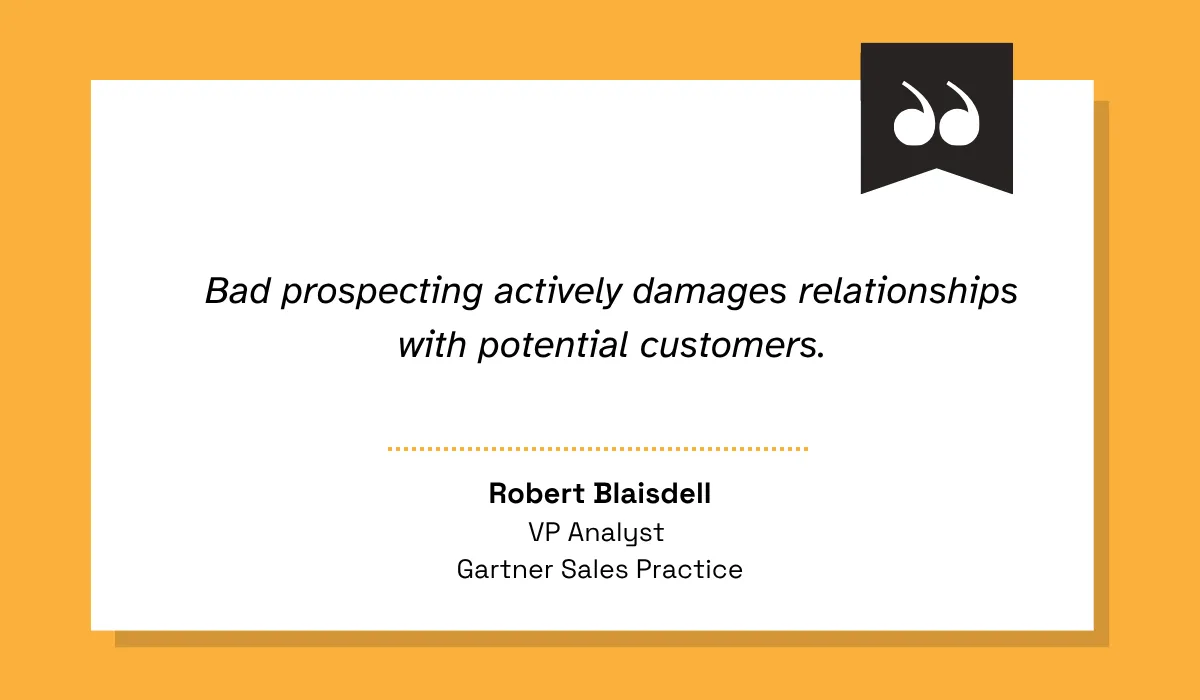
Thus, when you know which incumbent the account runs on, you can speak directly to the specific integration issue, pricing structure, reporting limitation, migration strategy, or governance challenge the account faces and tailor your prospecting efforts accordingly.
To achieve specificity, sort target accounts into three categories:
- A displacement target running a named competitor tool. If your product replaces an incumbent platform, accounts that run that platform belong in this category.
- A complementary fit where your product would work best alongside their existing tools.
- A disqualifying stack where a prospect runs a deeply incompatible legacy environment.
Write your displacement criteria as a short list of named products your sales reps can recognize on sight, then rank them by how winnable they are.
Document these rules once, and your whole revenue team works from the same definition of a qualified target instead of every rep deciding case by case what counts as displacement-ready.
Build the Target Account List
Once you know what you're looking for, use technographic data to turn that definition into an actual list of named accounts.
This is where data enrichment matters. You want technographic signals written back to the accounts you already manage in your CRM, data warehouse, or territory model.
Veridion's company intelligence layer fits perfectly here. Our platform's company data can append technographic attributes, including the specific technology product, category, and vendor detected, directly onto your existing CRM records.
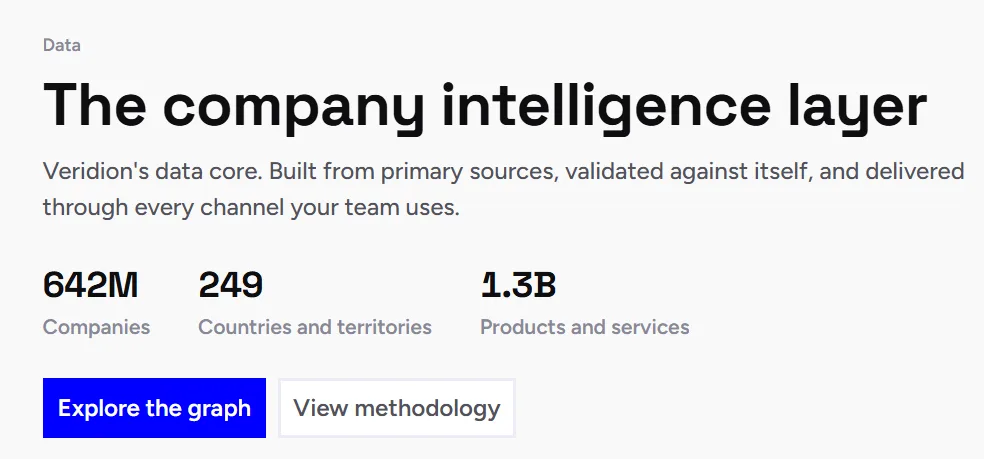
Source: Veridion
Rather than exporting a list from another software application that shows no context or technology stack, your teams will see the technology stack directly in the account information they are currently using, and they can target their outreach based on exactly what each prospect has implemented.
Add firmographics to the technographic match to keep your list relevant. Create segments based on geographic region, company size, industry, regulatory environment, and any operational considerations that affect delivery capabilities or sales abilities.
This is where execution gets sharper. Your list gets leaner, but the probability of making a sale goes up.
Layer In Firmographic Filters
Technographic data is powerful, but it works best when combined with firmographics because two companies can share the same industry, revenue, and headcount and still represent completely different conversations.
Consider two financial services companies that are similar in terms of revenues, headcount, and geography. But one uses a competing solution at the enterprise level, with a team of administrators and a recently executed three-year contract.
The other runs the same competitor's entry tier, set up by one overworked operations manager who inherited it.
Same firmographic profile, wildly different buying readiness.
Layering technographic detail onto firmographic filters—industry, company size, and geography—turns a broad list of "accounts that use Competitor X" into a shortlist of accounts that also match your serviceable market and have a realistic path to a deal.
There is another reason to combine both layers. In large organizations, buyers do not buy as individuals. They buy as groups.
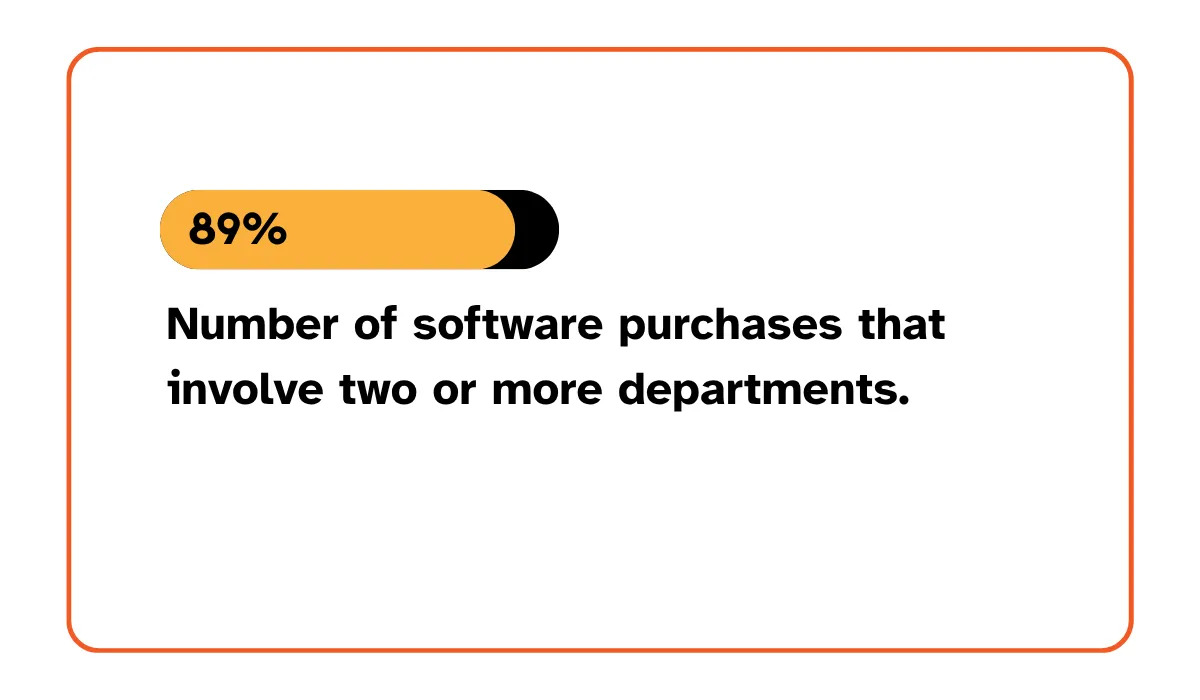
Research firm Forrester found that 89% of purchases involve two or more departments.
So when you add firmographics to technographics, you are not just improving targeting. You are improving your odds of finding an account that your team can actually navigate once multiple stakeholders enter the deal.
Turning the List Into Booked Meetings
While an excellent list is important, it alone is not sufficient. Displacement programs often end once the list is complete, believing that they've completed the difficult part. This isn't true.
It all comes down to timing and messaging. Get to the right person, but miss the timing or deliver your pitch poorly, and you waste a good list that has taken considerable effort to compile.
Here's how to get both right, and have a conversation your prospect is already halfway ready to have.
Time Outreach to Renewal Windows
Reach out close to a prospect's contract renewal, or right after a pain event, and your odds of a real conversation go up sharply.
Contract terms set a natural window when a company is already reassessing its options.
Vertice's data on SaaS contract length puts the average contract at 22.3 months, with CRM tools specifically averaging 26.4 months as businesses lock in longer terms for price protection.
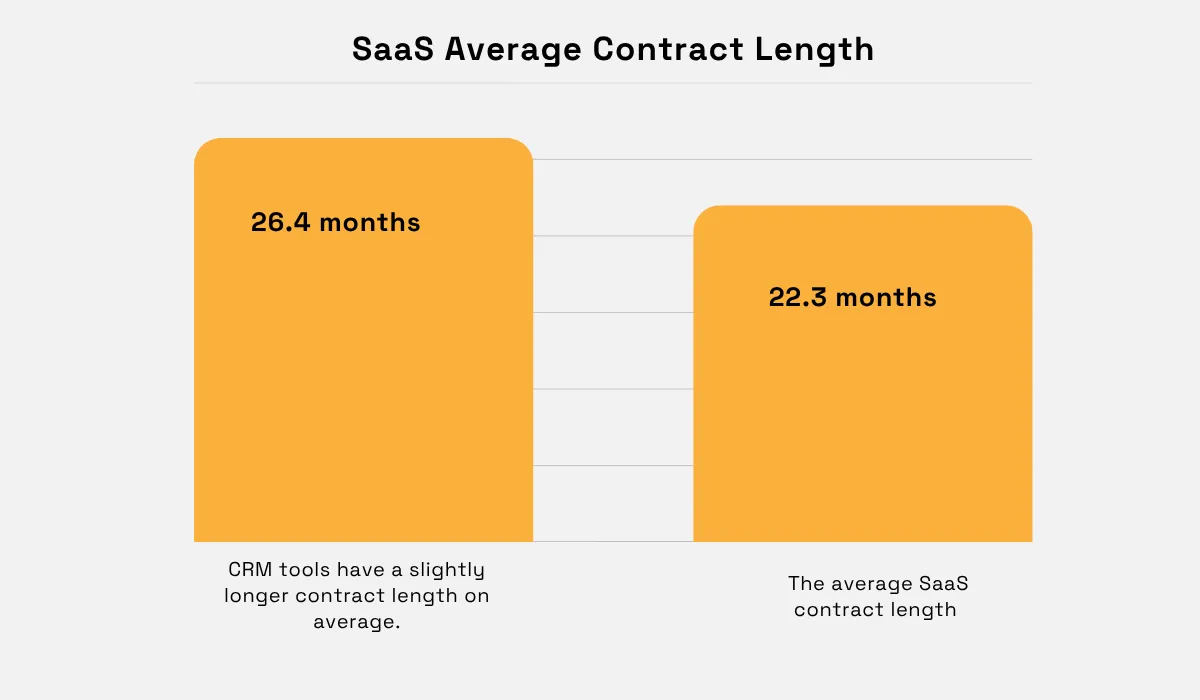
That gives you a rough estimate of when a prospect's next renewal decision lands, based on when your technographic data first detected the competitor tool in their stack.
Pain events compress that timeline further. Price increases are a common trigger.
When 6sense, a GTM intelligence company, surveyed thousands of B2B buyers about what would actually make them switch from their preferred vendor, 53.5% of them cited price as the dominant reason.
This was more than double the share who cited technical fit.
A prospect who just absorbed a renewal price hike is far more receptive than one comfortably mid-contract. So if you contact the account after the budget is approved and the auto-renewal notice has passed, your leverage is gone.
A crisis can create opportunities too.
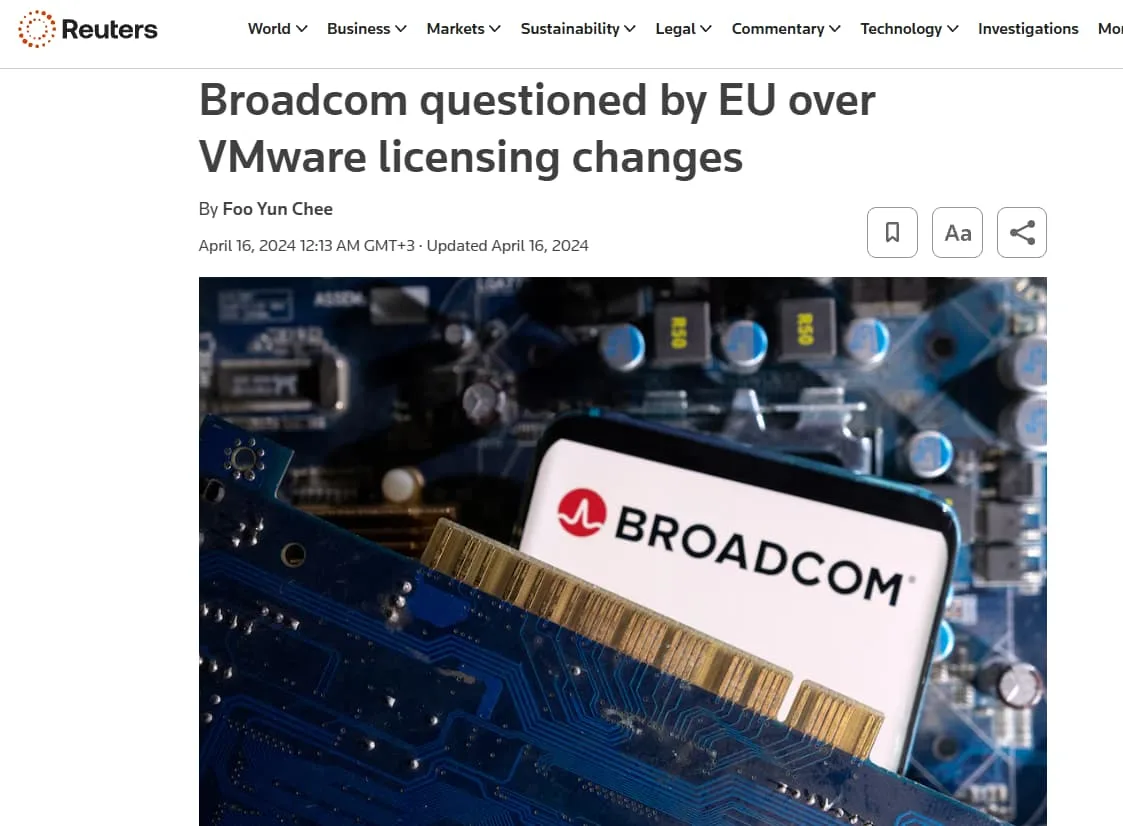
One great example is the situation around cloud computing company VMware licensing following Broadcom's takeover. In 2024 and 2026, Reuters reported on complaints and investigations about license changes.
It further reported that business groups in Europe were complaining that Broadcom was demanding large price hikes and barring suppliers.
Source: Reuters
You don't have to take advantage of a crisis, but you should understand how it affects things. It recalculates risks within the organization. The incumbent now seems riskier to maintain than it did a month ago. That's the moment the right alternative gets a fair consideration.
Consider that 90 to 120 days before an expected renewal date is your opportunity period to reach out to enterprise accounts. If it's a mid-market account, consider starting even earlier at 60 days prior.
Pair that timing with any public pain signal you can find—a price change announcement, a wave of negative reviews, or a reported outage—and lead your message with it.
If your technographic data shows a tool was first detected 20 months ago, that account is worth a call now, not in six months when the window has likely closed.
Personalize Messaging to the Incumbent
Naming the specific tool a prospect uses, and speaking to that tool's known weak points, makes your outreach dramatically more relevant than a generic pitch.
Telling your prospect that you're better than the competition is asking them to do the work of figuring out which competitor you mean and why it matters to them. Referencing their actual tool removes that friction entirely and proves you understand the environment you are selling into.
Personalized outreach consistently outperforms generic messaging. Research compiled by Backlinko puts well-personalized email copy at roughly 32.7% higher reply rates than generic messages.
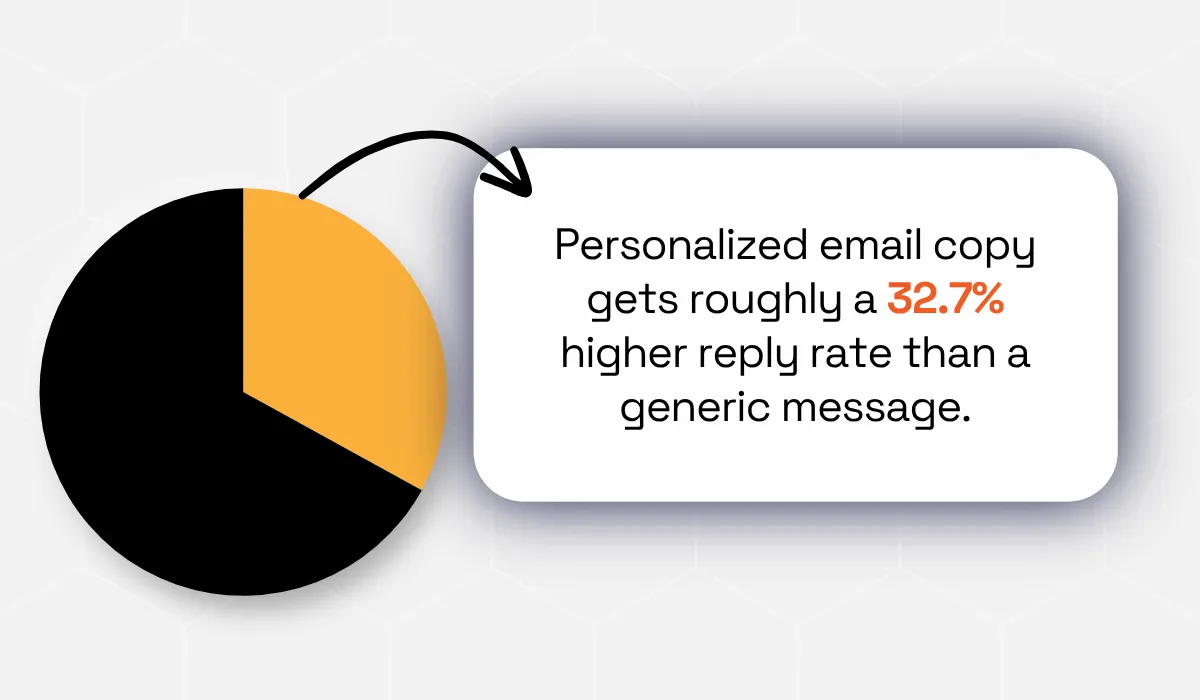
That gap widens further when the personalization is specific to the prospect's own stack rather than just their name or company.
With that in mind, your first sentence should include:
- The tool they use.
- A recognized weakness or flaw of that tool or vendor itself (for instance, fragmented reporting).
- How your product helps solve this problem (say unified visibility).
And a line like:
“I noticed your team uses Competitor X. We often hear from teams using that system about Y. Here's how we solved that problem in 90 days for a similar team.”
Gives a prospect a reason to continue reading past the first sentence rather than the fifth paragraph. Make sure you understand why changing vendors would be a risky process, and then make that transition appear much more straightforward.
Track Ongoing Technology Changes
A prospect's tech stack is constantly evolving, so think of displacement targeting as a continuous initiative rather than creating lists of accounts every quarter.
Companies acquire new technology and decommission others all the time. There could be a new integration that makes the displacement process more efficient or an early renewal that moves the account out of the list for the new period.
Without a way to catch these shifts, your list decays the moment you finish building it, and reps end up working stale accounts based on outdated assumptions.
Set alerts on two triggers specifically: a competitor tool appearing on an account you're already tracking, and a competitor tool disappearing from an account, which often signals the company is mid-migration and actively evaluating replacements right now.
Directly route both types of signals to the account owner instead of dumping them into the common pool to ensure there is no delay from the moment you get the signal to when it gets to the sales rep.
Keep the data you have fresh; otherwise, if you wait too long, you'll have outdated information and miss out on new outreach opportunities. In its 2026 B2B Pulse survey, McKinsey reported that B2B buyers cited inconsistent information across teams as the top reason they switched suppliers.
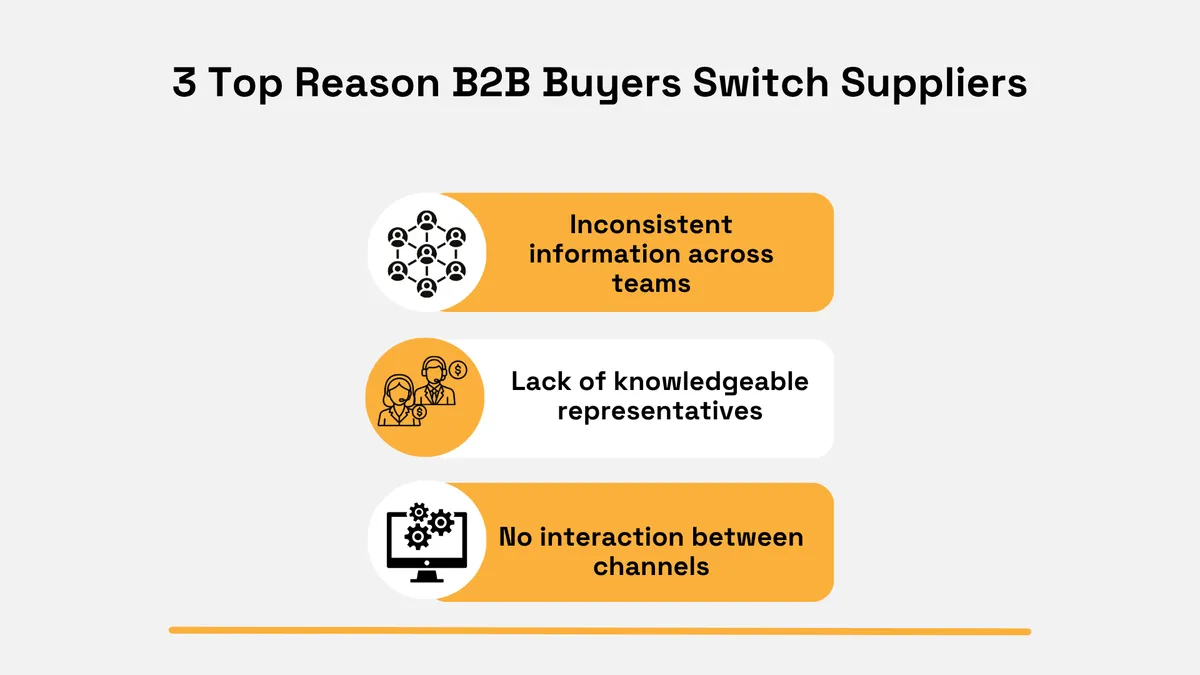
By keeping your account intelligence current and sending it smoothly through the sales, marketing, and customer success funnels, you lower the chances of becoming the inconsistent vendor the customer wants to leave.
Conclusion
Displacement targeting is not about manipulating a customer into switching to you. It is about reaching them when they are already second-guessing their chosen solution using a message that demonstrates an understanding of their setup instead of using a general sales pitch.
Define your criteria, build your list, add the firmographic filters to ground it in reality, and then use your technographic data insights to time and personalize your outreach process.
With consistency, displacement will no longer be just a one-off campaign, but rather a steady supply of high-quality pipeline that your competitors hand to you on a silver platter.
Articles
Discuss how these trends affect your organization.
Our analysts are available for a short call. Bring a specific question and we will ground it in the data.
Insights
Keep reading
More analysis, research, and outcomes grounded in live company intelligence.
What Are the Benefits of Data Enrichment?
Want to understand the benefits of data enrichment? This guide will explain how enriched data supports better decisions and analytics.
How Market Intelligence Drives Smarter Business Decisions
Want to improve your decision-making process? This guide will show you how to leverage market intelligence for business growth.
How to Build a Strong Market Intelligence Strategy
Learn how to build a strong market intelligence strategy that helps you track trends, understand competitors, and make smarter decisions.